BACnet and Modbus Software Tools: Systems Integration
 Buy the CAS BACnet Explorer: You
can try the BACnet Explorer for free before you buy. CONTACT
US!
Buy the CAS BACnet Explorer: You
can try the BACnet Explorer for free before you buy. CONTACT
US!
INTRODUCTION
Chipkin Regularly develops tools to help make our job easier. Depending on the effort to run and maintain these tools, Chipkin provides them for a small fee or for free altogether. Please find below a list of valuable tools.
CAS BACnet Explorer
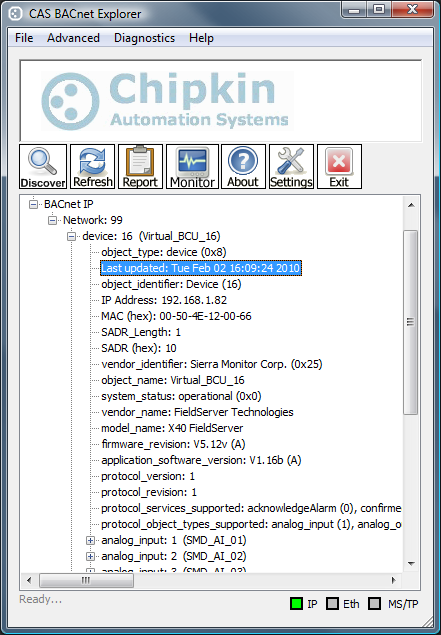
CAS BACnet Explorer is the perfect utility for testing, debugging and discovering BACnet® networks and devices. It is great for network diagnostics and discovering who is the problem. No more pointing fingers.
CAS BACnet Explorer performs the following functions within BACnet Networks:
- Exploring/Discovering
- Testing
- Debugging
- Monitoring
CAS Modbus
Scanner
(aka CAS
Modbus Explorer)
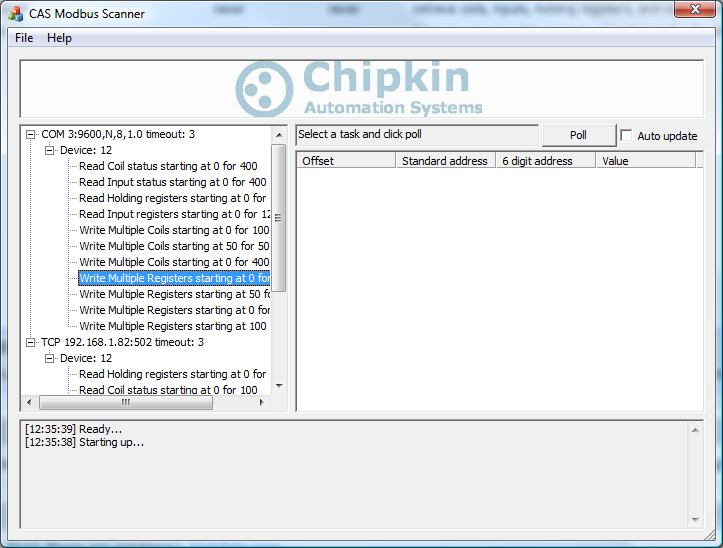
CAS Modbus Scanner can retrieve coils, inputs, holding registers and input registers from a Modbus enabled device.
Values retrieved from the device can be viewed in many different formats including Binary, HEX, Uint16, Int16, Uint32, Int32, and Float32. It can also discover Modbus Devices in your network
FieldServer
Toolbox
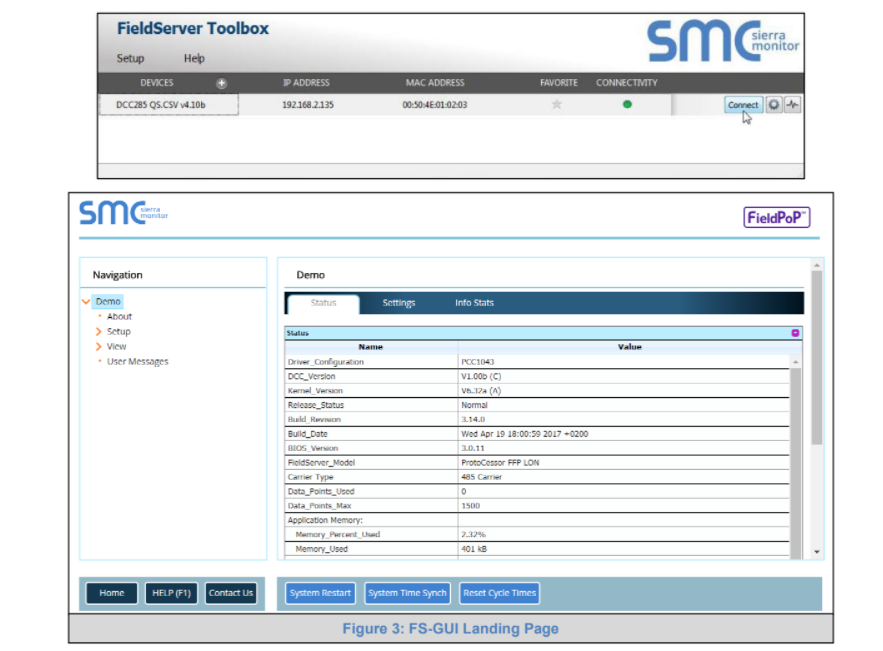
The Fieldserver Toolbox is a windows application that is used to discover, monitor and configure the protocol gateways that Chipkin sells. Once discovered the user may use the toolbox to connect directly to the gateway. Once connected the following operations are possible.
CAS Modbus TCP Parser
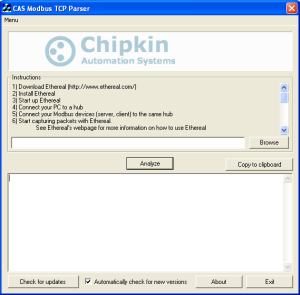
Have you ever needed to analyze a series Modbus TCP message? Are you having unexplainable problems with your Modbus devices?
The CAS Modbus TCP Parser can analyze a series Modbus TCP message, display errors, display data being read/written, read where messages are coming from, and more.
Its simple to use and FREE! (No email required)
CAS Modbus RTU Parser
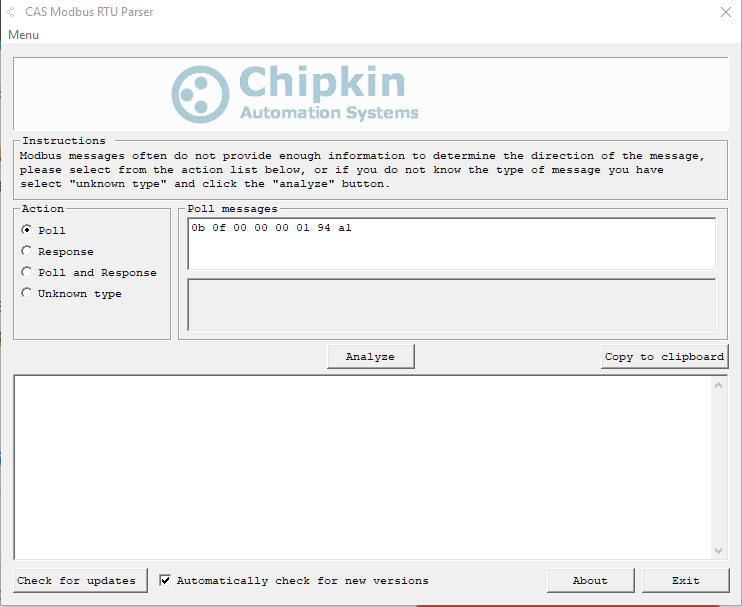
Have you ever needed to analyze a Modbus RTU message?
The CAS Modbus RTU parser can analyze a Modbus RTU message and tell you if there are any errors in the message, what type of messages it is, what data is being written or read from your device, what device the message came from, and more.
It is also FREE (No email required)
CAS Gateway Firmware download tool
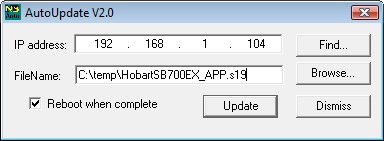
The CAS Gateway Firmware download tool is a developer software tool that allows you to upgrade the firmware on CAS Gateways. The tool simply designed and easy to use.
CAS Gateway IP Address Tool
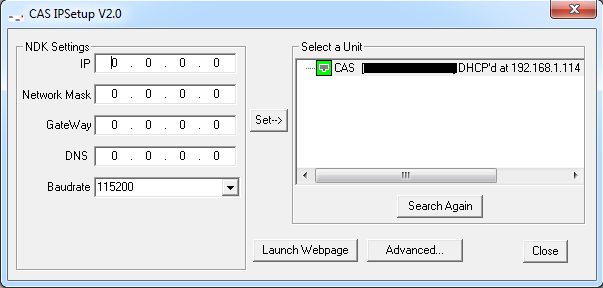
The CAS Gateway IP Address Tool is a developer software tool that allows you to change the IP address on CAS Gateways. The tool simply designed and easy to use.
CAS BACnet Wireshark Storm
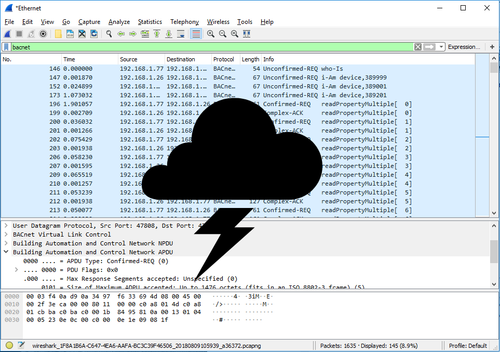
The CAS BACnet Wireshark Storm application is a tool to help test BACnet server applications with problematic BACnet UDP messages. The tool loads a Wireshark PCap log file and resends the UDP messages to a destination IP address. The BACnet server at the destination IP address will then process the incoming UDP message and attempt to respond to them as if they were coming from an actual BACnet client.
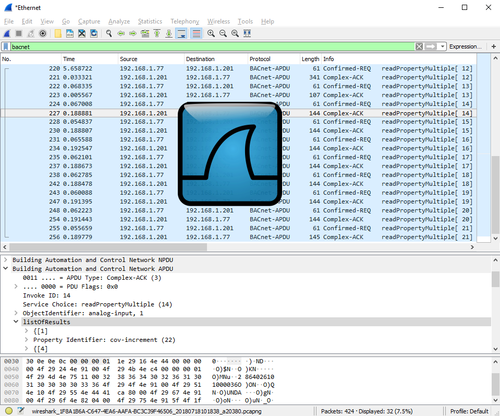
CAS BACnet Wireshark Report Tool
The Chipkin BACnet Wireshark Report Tool is a tool to help debug problematic device installations on sites with BACnet networks. The tool decodes the captured BACnet messages from a Wireshark PCap log file into their XML representations and outputs a comprehensive report containing important information and statistics. The outputted report and xml files provide the user with an informed understanding of their network so that they can easily locate and debug problematic devices.